
Medium: Accessory
When I received the initial outreach for the PuroAir 100i with the tagline “the gaming gadget nobody talks about” I was expecting something more gaming-related on its face, but after my initial confusion, I quickly came around. Most of us spend several hours at our computers, either for gaming or for work in our post-pandemic world, and having an air purifier running is a no-brainer. I have three German Shepherd dogs, so already have air purifiers running in other rooms of my house, but never thought to add anything into my gaming room. Now, I won’t go back to living without one.
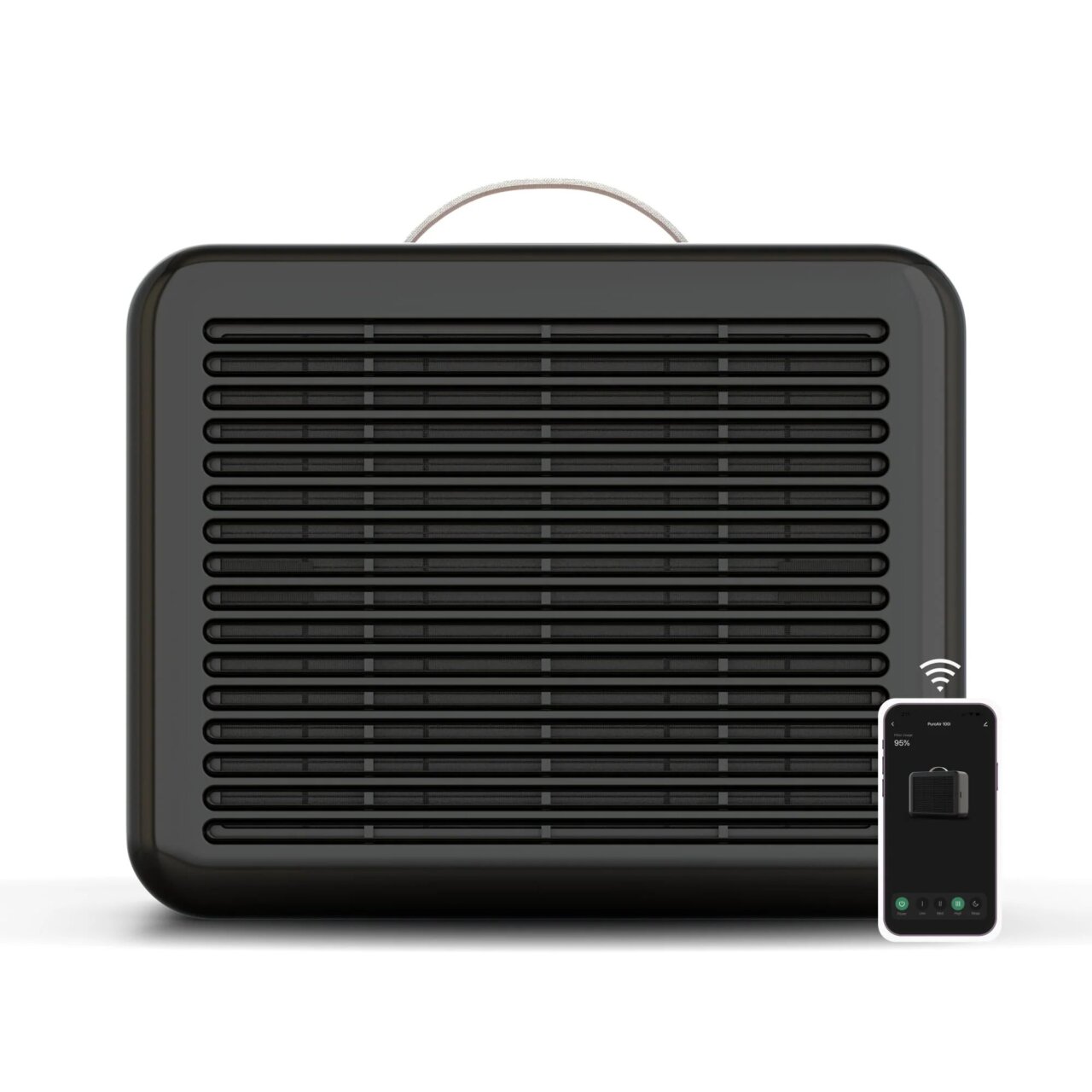
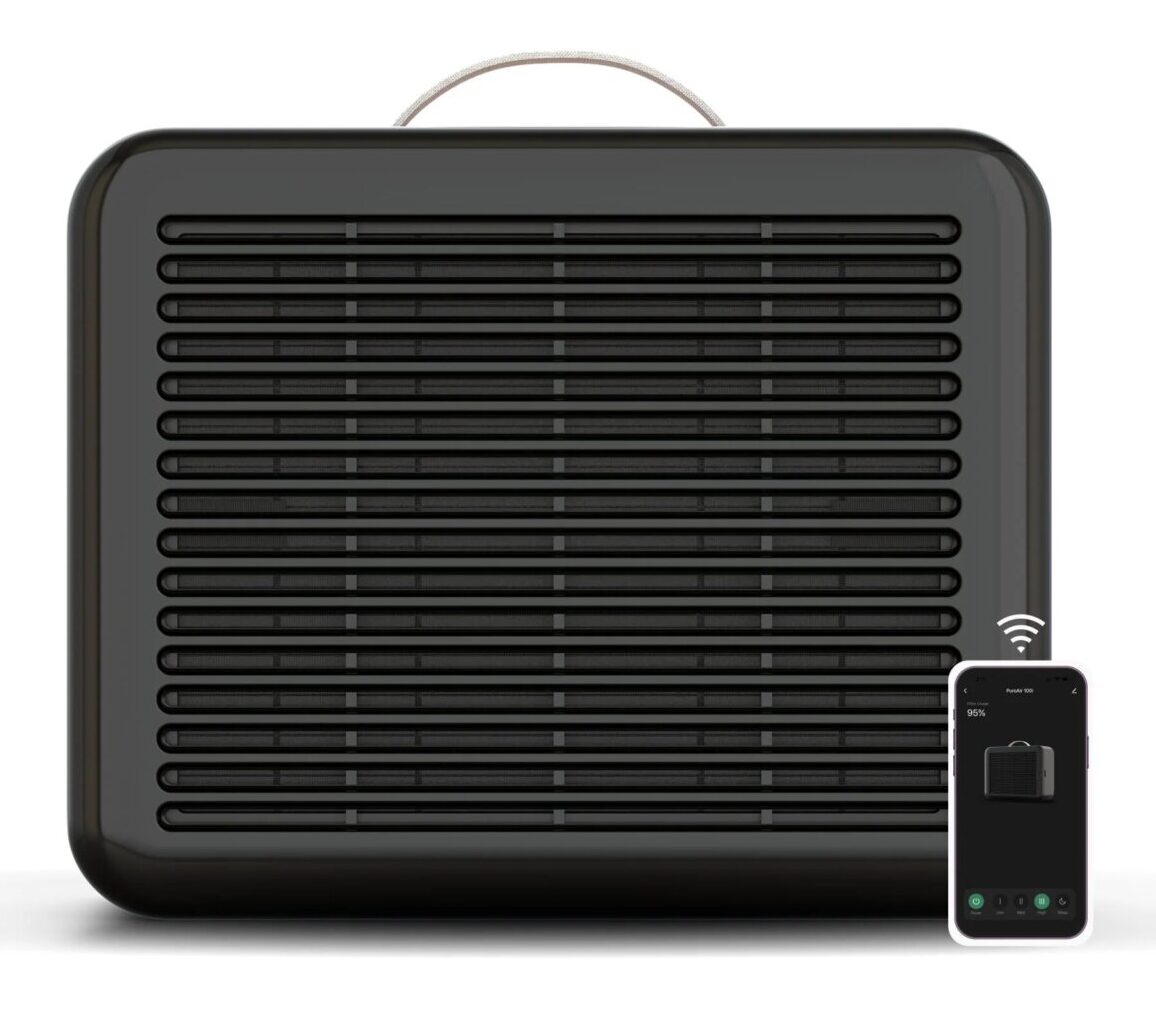
The PuroAir 100i is the perfect size for your desk, with a slight footprint (only 11” long and 5” wide) it sits comfortably behind my monitor and next to my PC itself, tucked just out of sight on the desk. It is rather quiet as well, and I run it on the second of the three standard settings. It also has a “sleep” setting you can put it on overnight, which runs at a whisper quiet 22dBs. It boasts 550 sq ft of cleaning power, which lines up nicely in my testing.
I am an obsessive cleaner, and my computer desk was a constant source of annoyance. Again, living with the number of animals I do, not to mention my children, my desk would become dusty almost overnight. Running the PuroAir 100i not only improves the quality of the air that I breathe, but it also helps keep my desk surface free of dust and dog hair for considerably longer. This has the added benefit of keeping the inside of my PC free of dust and debris as well, since it is purifying the air prior to my intake fans pulling dust into my rig.
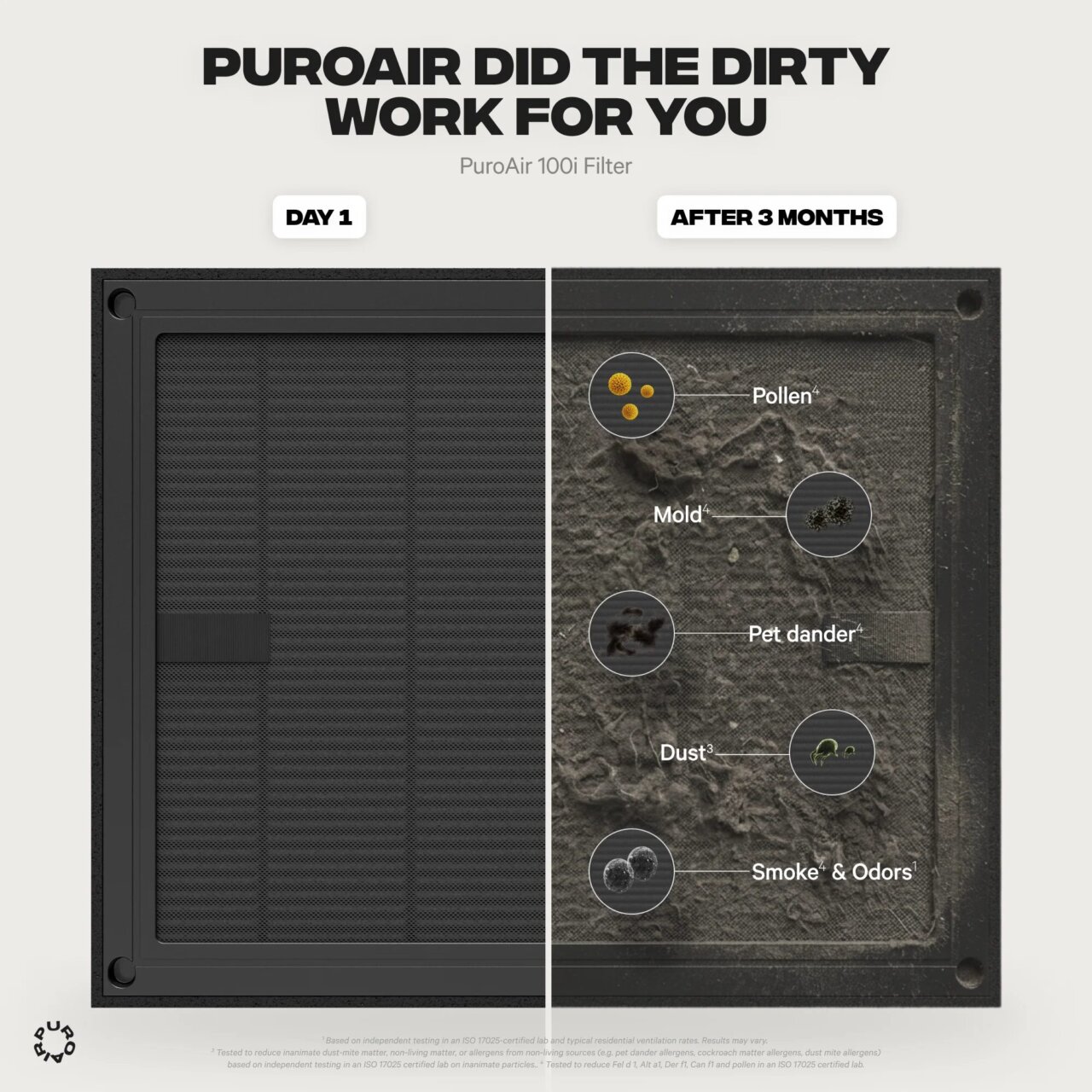
PuroAir recommends changing the air filter every three months, and after nearly a month of testing, I can say that seems like a solid time frame for replacements. Your mileage will vary, and some folks will need to replace more often and some of you can probably get away with a replacement every 6 months.
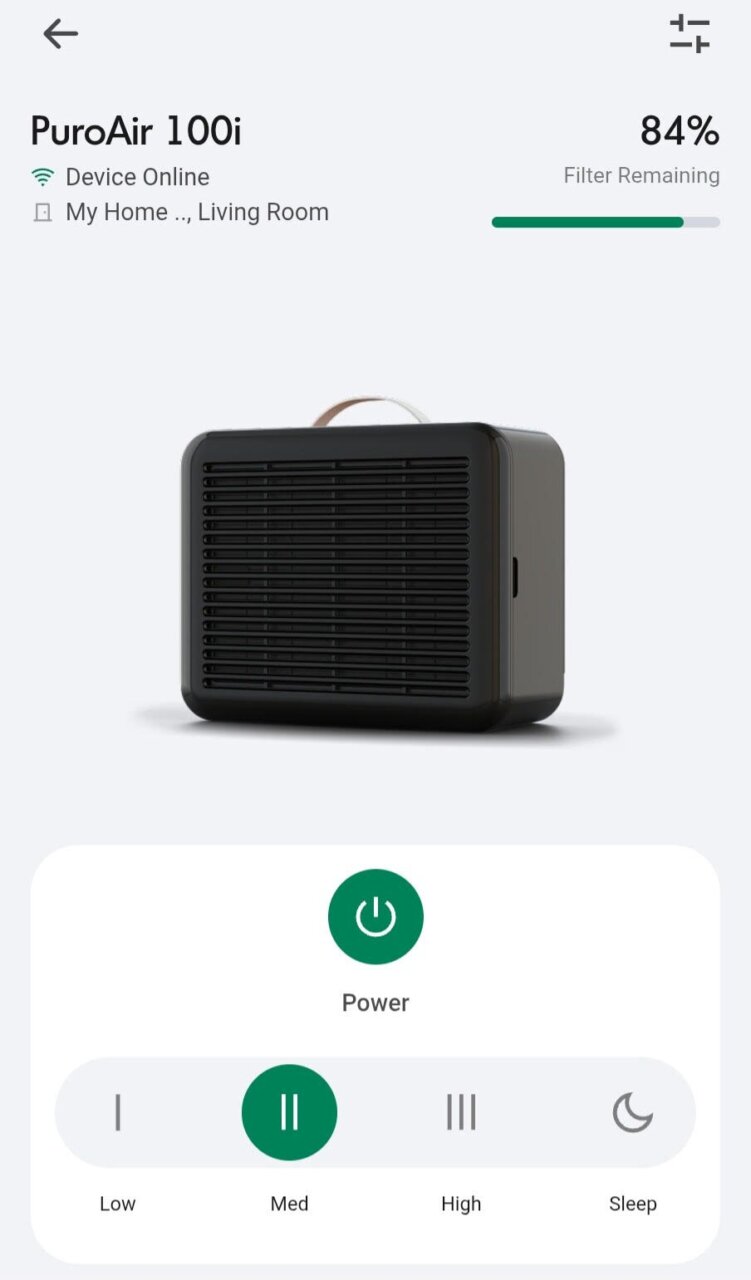 Luckily, the PuroAir app keeps track of your filter life based on performance, not set to a predetermined time frame, so you can keep track of when you are going to need to order a replacement. If you don’t want to mess with tracking anything, you can sign up for auto-deliveries of replacement directly from PuroAir when you check out. The PuroAir app is also great for managing your purifier, allowing you to adjust the purification level directly from the app. If you forget to switch it over into sleep mode before you go to bed, you can roll over and control it directly from your phone.
Coming in at $98 (or $89 if you sign up for the filter auto-delivery), the PuroAir 100i is an excellent addition to any gaming setup. While an air purifier might not be at the top of your list when prepping a new PC or even console setup, perhaps it should be going forward.
Note: PuroAir provided us with a PuroAir 100i Smart Air Purifier for review purposes.
Click Here to buy the PuroAir 100i Smart Air Purifier on Amazon